WebAssembly on Embedded Devices: A Docker Captain Tries Atym
Photo by Alexandre Debiève on Unsplash
I’ve been running Docker containers on tiny ARM boards for twelve years. Rock Pi S with 512 MB of RAM. Orange Pi Zero with even less. RISC-V boards where getting Docker to run at all was an achievement. I built the first Docker Engine v29 package for RISC-V, and I maintain 37 personal Docker images across multiple architectures.
Docker works on these devices. But it fights them.
The daemon alone consumes 50-80 MB of resident memory. A minimal Alpine-based image is 7 MB before your application code even enters the picture. Multi-architecture builds require buildx and careful manifest management. On a 512 MB board, you’re giving Docker a quarter of your resources before doing anything useful.
So when I came across Atym, a platform that uses WebAssembly to run containerized applications on embedded devices, I wanted to see for myself whether the claims held up. Not the marketing version. The hands-on, “clone the repo and build something” version.
What Atym actually is
Atym is a platform for deploying applications to embedded and IoT devices. Instead of shipping Linux containers (the Docker model), you compile your C or C++ code to WebAssembly using their toolchain, then package it as an OCI-compliant container image using their CLI.
WebAssembly gives you container-like portability without the operating system overhead. No daemon running in the background. No Linux kernel features required. The same .wasm binary runs on x86 and ARM without rebuilding.
Under the hood, Atym builds on the Ocre SDK, an open-source project under the Linux Foundation that provides a C-based API for embedded applications compiled to Wasm. The runtime is WAMR (WebAssembly Micro Runtime) from the Bytecode Alliance.
Setting up the toolchain
The setup is genuinely smooth.
git clone --recursive https://github.com/atym-io/atym-toolchain.git
cd atym-toolchain
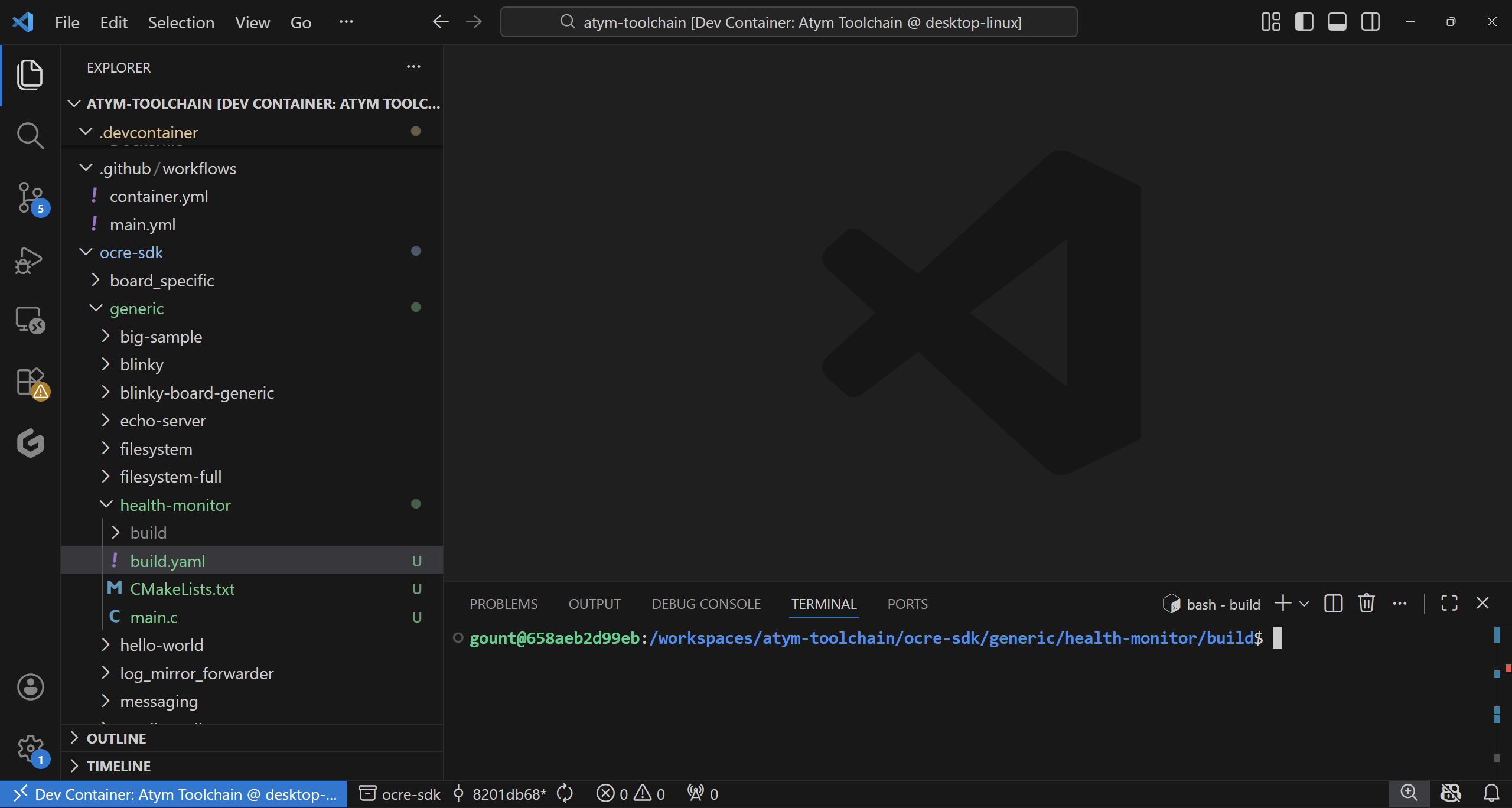
The --recursive flag pulls in the Ocre SDK as a Git submodule. Open the folder in VS Code, hit Ctrl+Shift+P, select “Dev Containers: Open Folder in Container”, and wait a couple of minutes for the image to build.
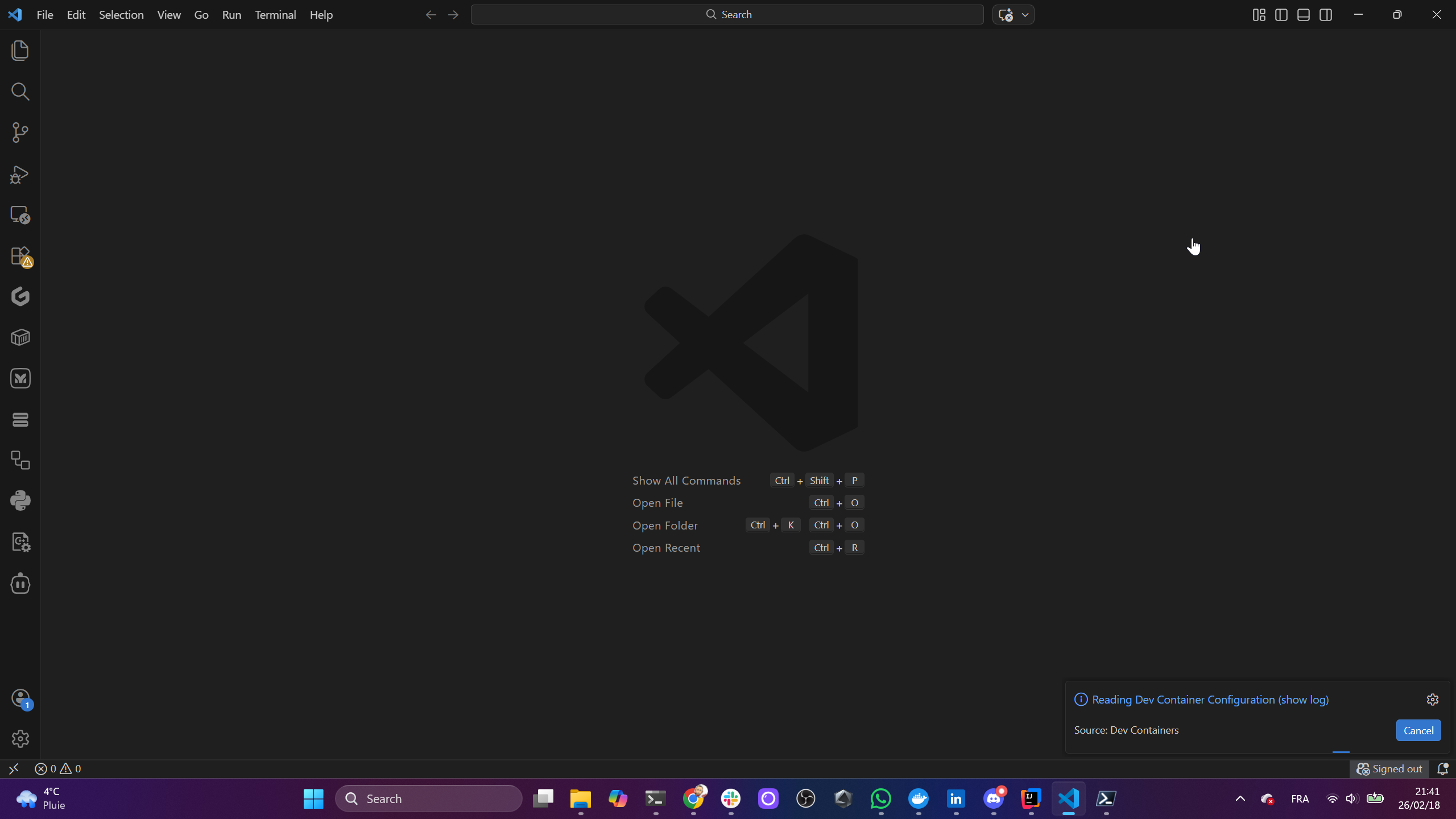
What you get inside the container:
- WASI SDK v29: Clang 21.1.4 configured to compile C/C++ to WebAssembly
-
atym CLI: builds OCI container images from
.wasmbinaries - iwasm: a local WebAssembly runtime for testing
- cmake and make: the standard build chain
The dev container image weighs 2.42 GB, which is substantial but comparable to other embedded toolchains (the Zephyr SDK container is similar). It’s a one-time cost.
From git clone to a working dev environment took me under three minutes.
For a Docker user, that’s familiar territory. Instead of docker pull, you’re pulling a dev container. The mental model translates.
A few friction points
The dev container wouldn’t build out of the box. The Dockerfile creates a user called atym-dev, but depending on your host UID/GID, this can collide. I had to edit devcontainer.json to override USERNAME with my local username and set remoteUser to match. Not a showstopper, but unexpected for a first-run experience.
Once the container was up, the VS Code integrated terminal opened on extension logs instead of a shell prompt. Opening a new terminal (Ctrl+Shift+`) gave me the actual bash session inside the container.
Finally, the README says to build samples with cd samples/sample_name, but the samples actually live at ocre-sdk/generic/sample_name. Minor, but it tripped me up.
All fixable. I’d expect these to get cleaned up as the toolchain matures.
Building the samples
Each sample follows the same pattern: a main.c, a CMakeLists.txt, and a build.yaml.
cd ocre-sdk/generic/hello-world
mkdir build && cd build
cmake ..
make
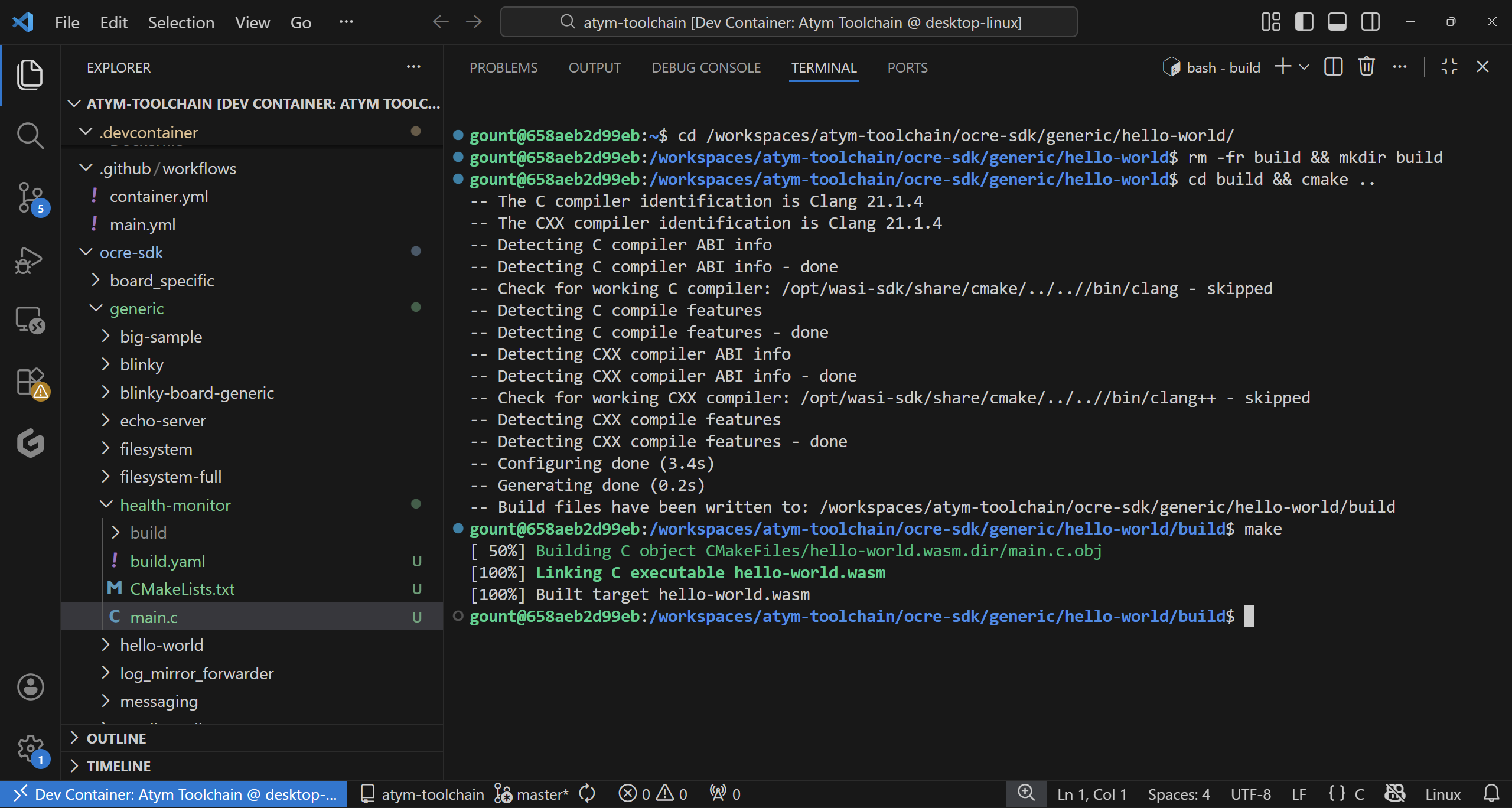
Three seconds later, you have a hello-world.wasm file. Then:
cd ..
atym build -v
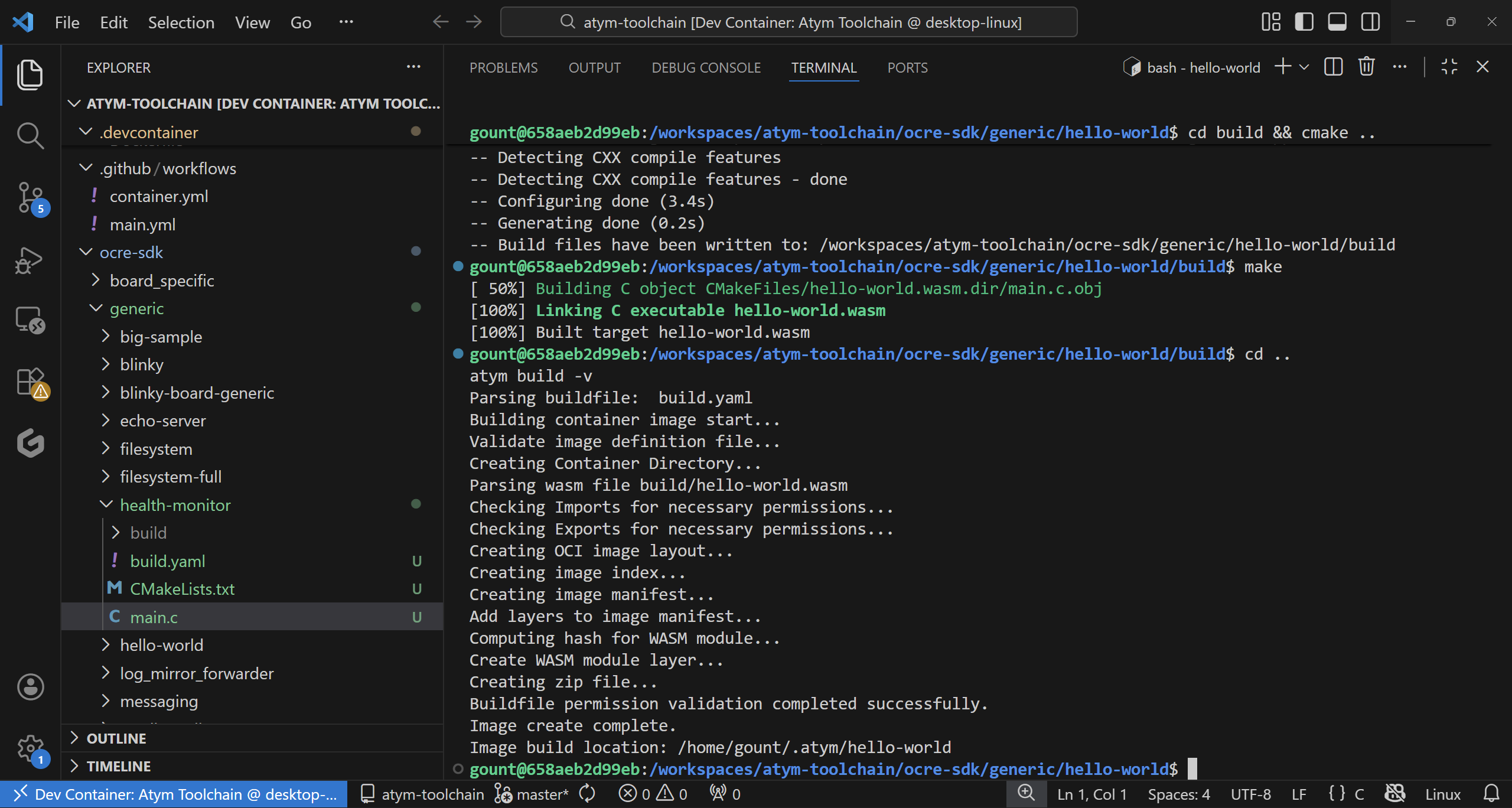
This produces an OCI-compliant container image in ~/.atym/hello-world/. And you can test it locally:
iwasm build/hello-world.wasm
Which outputs:
     _      _________  ___   ______________  ______  ____  __
    | | /| / / __/ _ )/ _ | / __/ __/ __/  |/  / _ )/ /\ \/ /
    | |/ |/ / _// _  / __ |_\ \_\ \/ _// /|_/ / _  / /__\  /
    |__/|__/___/____/_/ |_/___/___/___/_/  /_/____/____//_/
                                           powered by Ocre
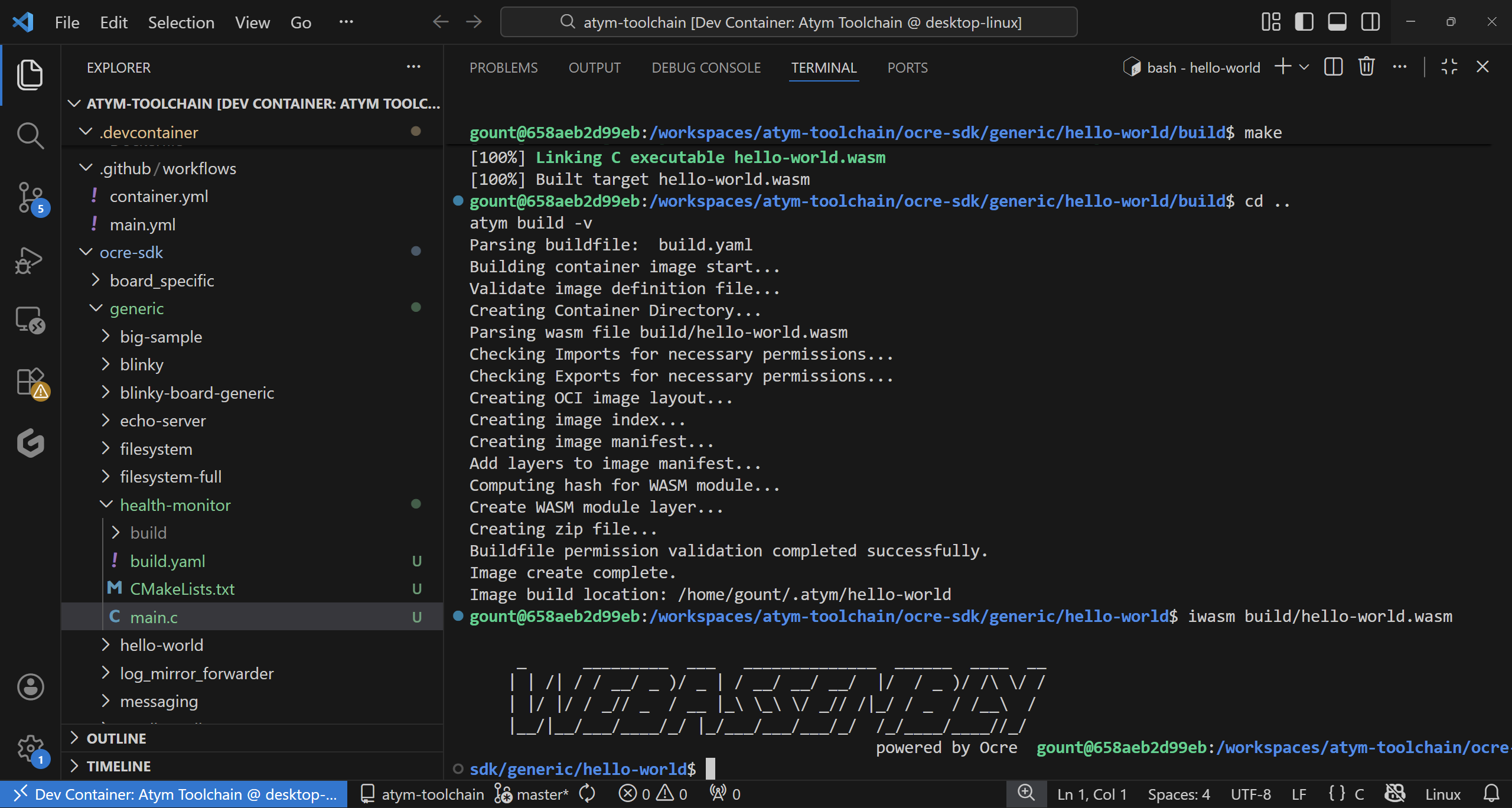
I built all four generic samples that don’t need board-specific hardware: hello-world, sensor-rng, blinky, and echo-server. They all compiled cleanly (one harmless C23 extension warning in the Ocre SDK).
Writing something custom
Building samples is one thing. Writing your own code is the real test.
I wrote a device health monitor, a realistic embedded use case. It sets up a periodic timer using the Ocre SDK, collects simulated system metrics (CPU, memory, temperature), and prints formatted status reports with threshold alerts. On real hardware, those simulated values would be actual sensor readings.
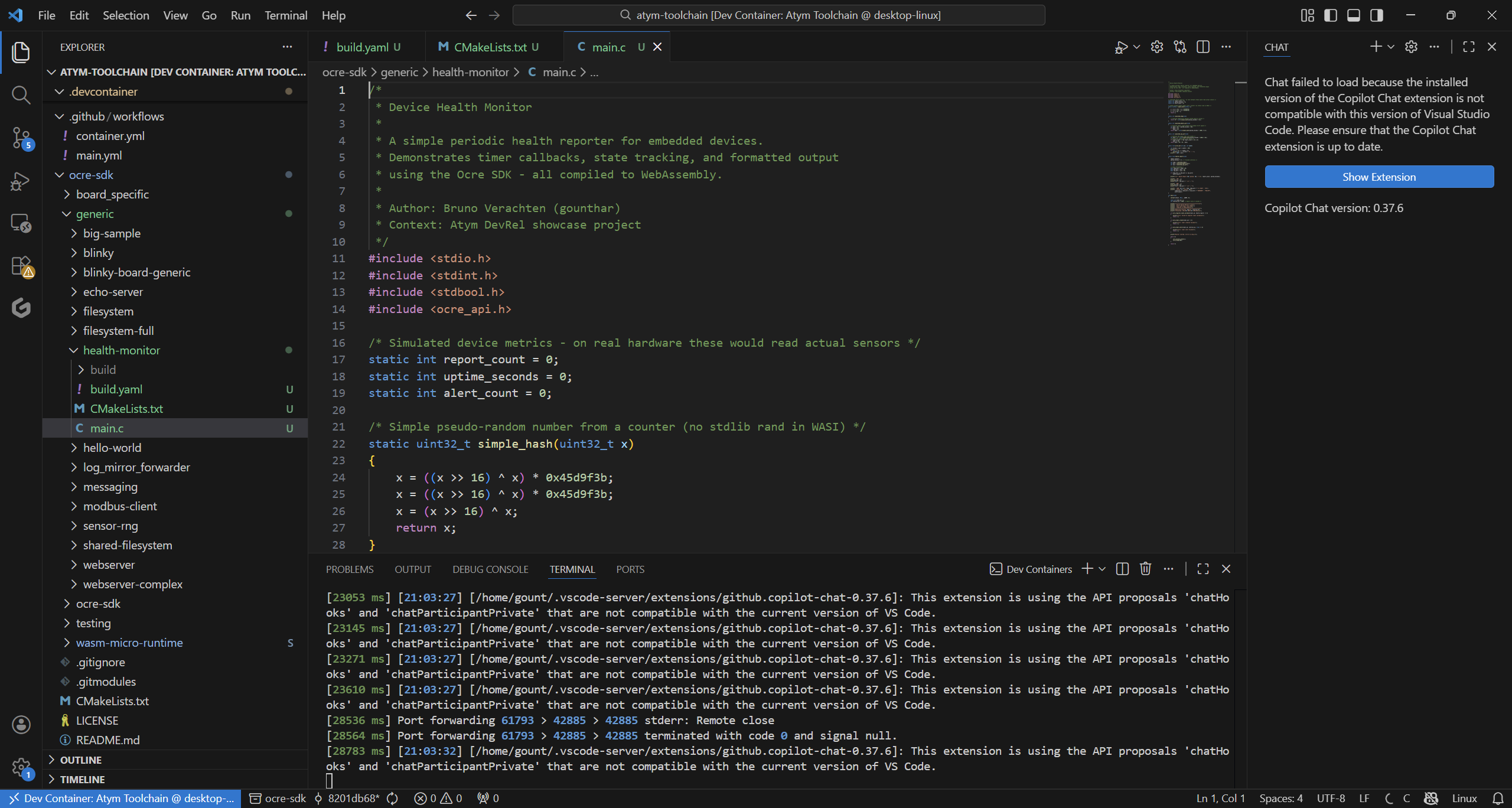
Here’s the core structure:
#include <stdio.h>
#include <stdint.h>
#include <stdbool.h>
#include <ocre_api.h>

static void health_report(void)
{
    int temp = read_temperature();
    int mem = read_memory_usage();
    int cpu = read_cpu_usage();

    printf("  CPU:  ");
    print_bar(cpu, 20);
    printf("  TEMP: %dC %s\n", temp, temp > 50 ? "[!] HIGH" : "OK");
}

int main(void)
{
    ocre_register_timer_callback(1, health_report);
    ocre_timer_create(1);
    ocre_timer_start(1, 5000, true);  /* every 5 seconds */

    while (1) {
        ocre_process_events();
        ocre_sleep(100);
    }
}
The build process was identical to the samples. Copy the CMakeLists.txt pattern, adjust the app name, add a build.yaml, and run cmake/make/atym build.
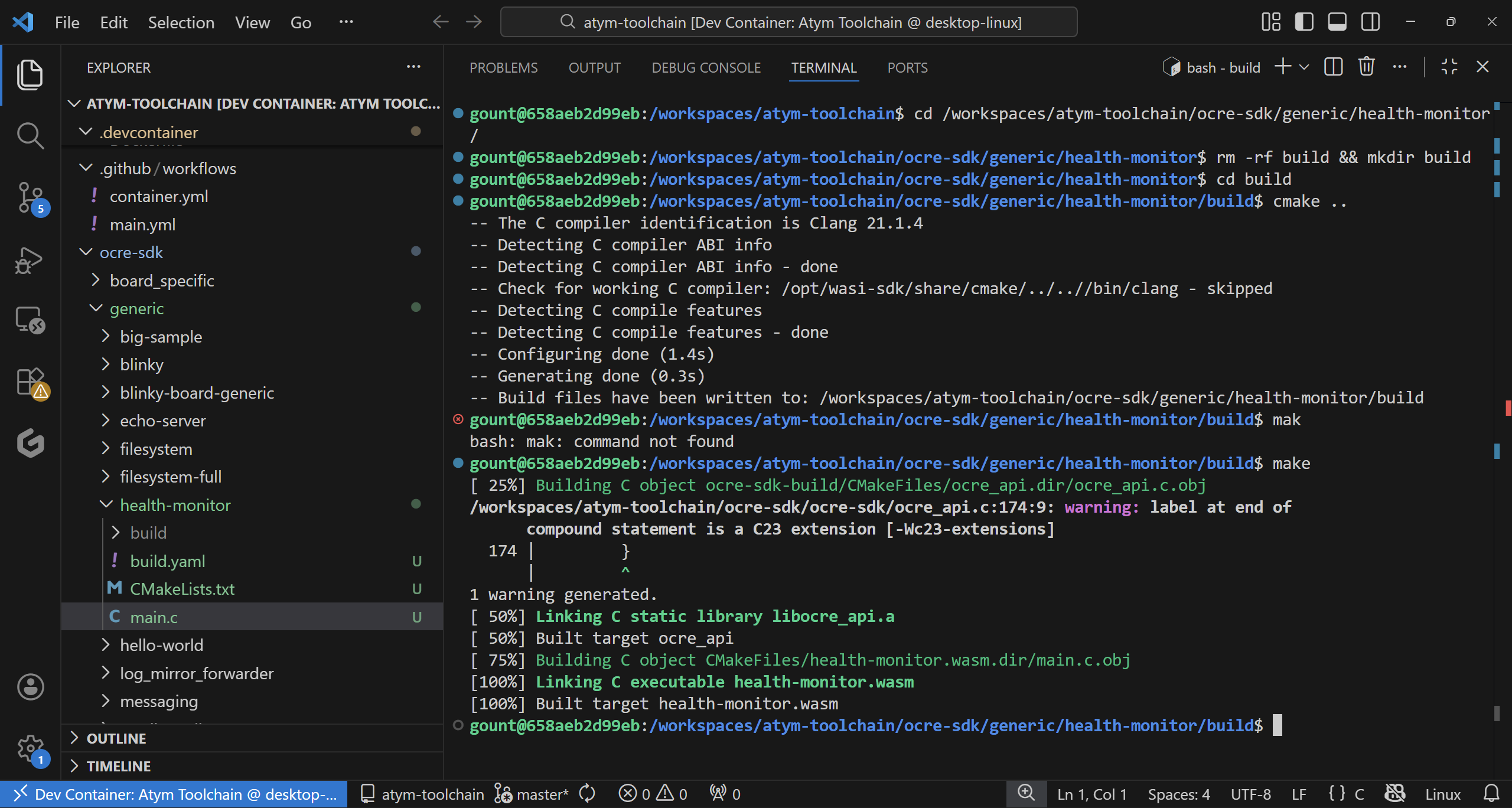
Result: 22,588 bytes. A full health monitoring application with timer callbacks, state tracking, and formatted console output, in 22 KB of WebAssembly.
The numbers that matter
Here’s what I found after building five applications:
| Application | .wasm size | Notes |
|---|---|---|
| hello-world | 16.6 KB | Pure printf, no SDK |
| sensor-rng | 18.8 KB | Ocre sensor API |
| blinky | 20.6 KB | Timer + GPIO API |
| health-monitor | 22.1 KB | Timer + state + formatting |
| echo-server | 22.5 KB | TCP socket handling |
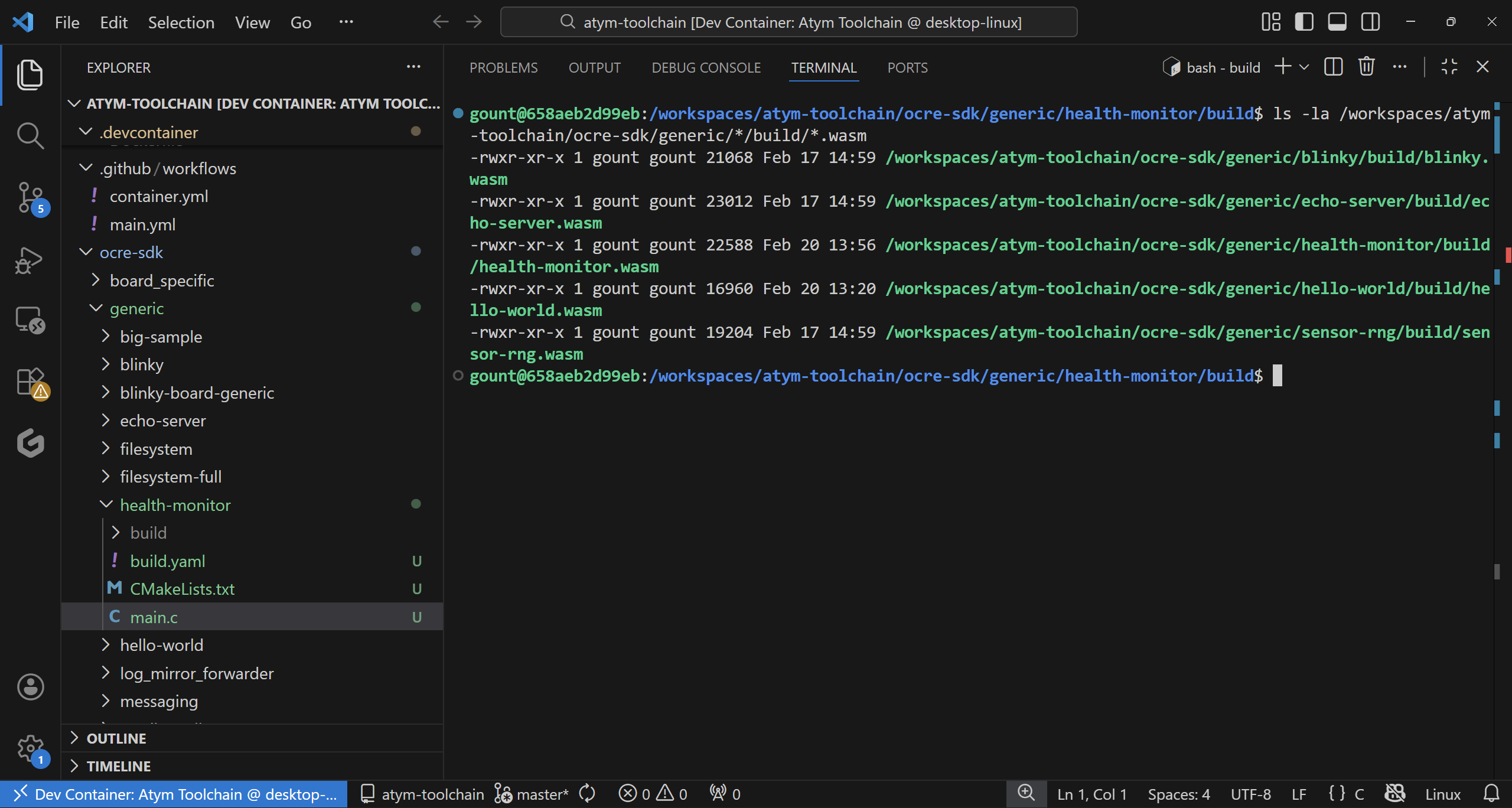
For comparison, here’s what the Docker equivalent looks like:
| Approach | Minimum size | What you get |
|---|---|---|
| Atym (.wasm) | 17-23 KB | Application binary, runs on any architecture |
| Docker (Alpine-based) | 5-7 MB | Full Linux userland + application |
| Docker (distroless) | 2-3 MB | Minimal libc + application |
| Static C binary (Linux) | 800 KB - 1.5 MB | Architecture-specific, no containerization |
That’s a 100-400x size reduction for the application binary. On a device with 512 MB of RAM and limited flash storage, that difference is not academic. It’s the difference between deploying one application and deploying dozens.
Docker vs Atym: honest comparison
I’m a Docker Captain. I’m not going to pretend Docker is obsolete. It isn’t. But having spent time with both, here’s my honest take:
| Aspect | Docker on ARM SBC | Atym (WebAssembly) |
|---|---|---|
| Binary size | 5-200 MB per image | 17-23 KB per .wasm |
| Runtime overhead | Daemon (50-80 MB RSS) + container runtime | Lightweight Wasm runtime (sub-MB) |
| Architecture portability | Multi-arch via buildx (separate builds per arch) | Same .wasm runs everywhere, no rebuilding |
| Language support | Anything that runs on Linux | C/C++ today, Rust and Go coming |
| Ecosystem maturity | Massive: millions of images, decades of tooling | Early stage, growing but small |
| Isolation | Linux namespaces and cgroups | WebAssembly sandbox |
| Setup complexity | apt install docker.io |
Dev container + cmake |
| Hardware access | Full Linux device access | Via Ocre SDK APIs (subset) |
| OTA updates | Pull new image (MB-sized transfers) | Push new .wasm (KB-sized transfers) |
When I’d use Atym over Docker
- Constrained devices with under 1 GB of RAM, where the overhead difference matters
- Fleet deployments where you’re pushing updates to hundreds of devices. KB vs MB adds up fast
- Cross-architecture deployments: one binary for ARM, x86, and RISC-V without build matrices
- Battery-powered devices where every MB of RAM translates to power consumption
When I’d stick with Docker
- General-purpose servers: Docker’s ecosystem is unmatched
- Complex applications needing full Linux capabilities (databases, web servers, GUI apps)
- Python/Node.js/Java applications: WebAssembly compilation support for these is still evolving
- Existing CI/CD pipelines already built around Docker
The two aren’t really competitors. Docker is a general-purpose container platform. Atym targets a specific niche (lightweight applications on embedded devices) and the numbers back it up.
What I’d build next
If I were continuing this exploration:
- Multi-board deployment: Flash the same health-monitor.wasm to a Raspberry Pi, an STM32 board, and a RISC-V board and verify identical behavior
-
Jenkins CI for Wasm: Set up a pipeline that compiles C to .wasm and runs
atym buildas a build step. This is my wheelhouse - Real sensor integration: Replace the simulated metrics with actual I2C sensor readings using the Ocre sensor API
- Size budget tracking: Add CI checks that fail if a .wasm exceeds a size threshold. Something Docker images rarely enforce but embedded devices need
The WebAssembly ecosystem for embedded is still early. But the tooling works and the size advantages are measurable, not marketing. I’ll be watching this one.
Bruno Verachten is a Docker Captain, Jenkins contributor, and Arm Ambassador who has spent twelve years running containers on devices most people wouldn’t try. He teaches at Université d’Artois and maintains 37 Docker images across ARM, x86, and RISC-V architectures.